AJAX-based HTML module demo
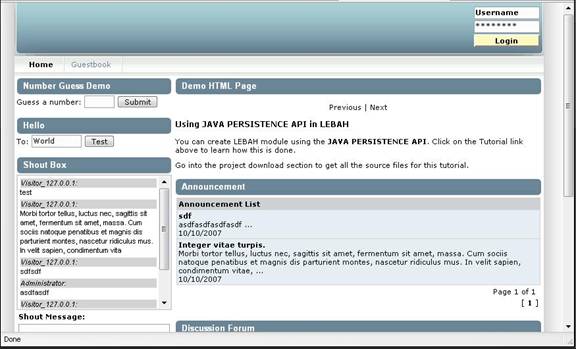
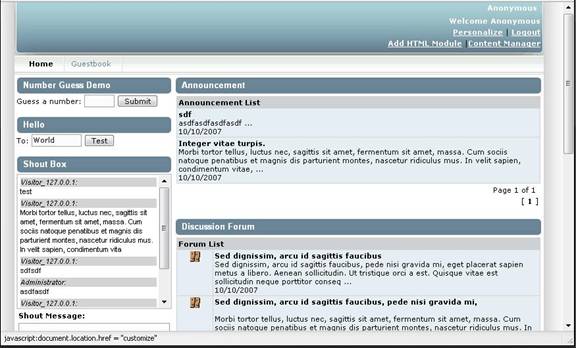
In LEBAH portal framework, every portlet can be made as an AJAX-based portlet. For example, in the screen capture below, you can see five (5) portlets displayed in the browser’s window. The Number Guess Demo, Hello, Announcement and Discussion Forum portlets, all of these portlets are AJAX-based. If you click a button or link in one of the portlet, on the content within that portlet will be reload, not the whole page.
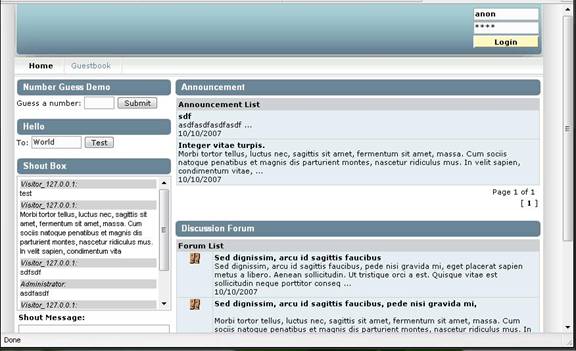
Let’s add an HTML portlet in this page, a module that will hold a content from a URL. To begin, login as anonymous. Use username anon and password is also anon.
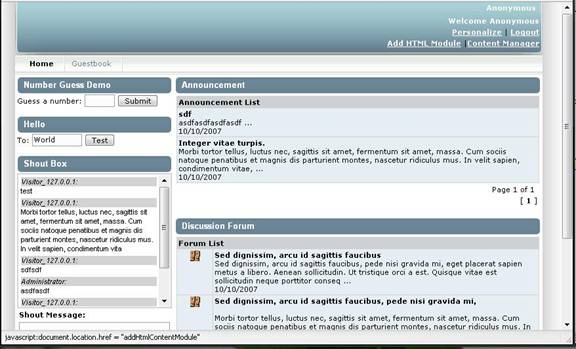
Click on the Add HTML Module.
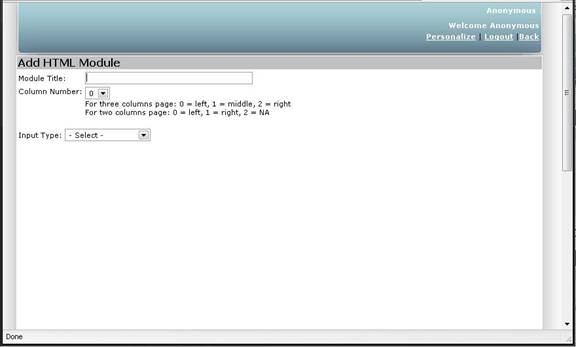
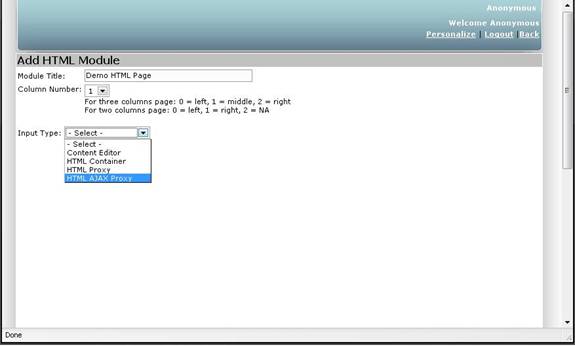
Fill in the Module Title as Demo HTML Page, Column Number as 1, meaning the module shall appear on the second column, select Input Type as HTML Ajax Proxy. When this is selected, a field title Page URL shall appear.
We want the HTML module to contain this URL, http://lebah.sourceforge.net/pages/p1.html as it’s start page.
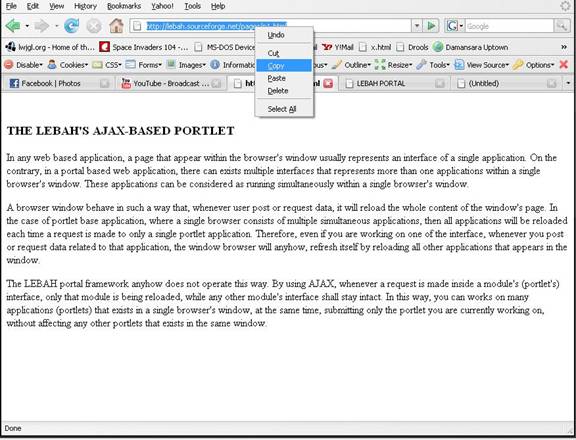
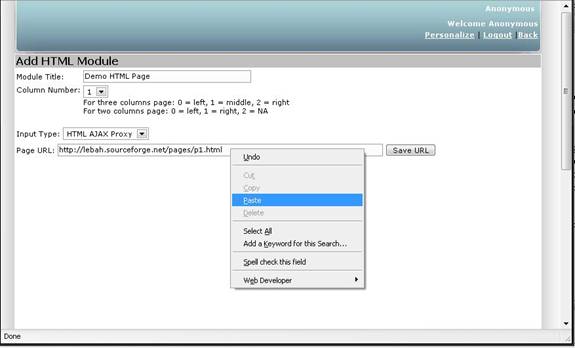
So, in the Page URL, just type in this URL (or just copy and paste as shown). When done click the Save URL button.
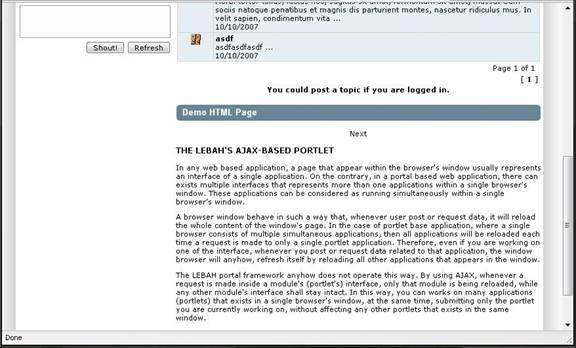
There it appears at the bottom of the right column.
Let’s bring it up to the top of the column. Click on the Personalize.
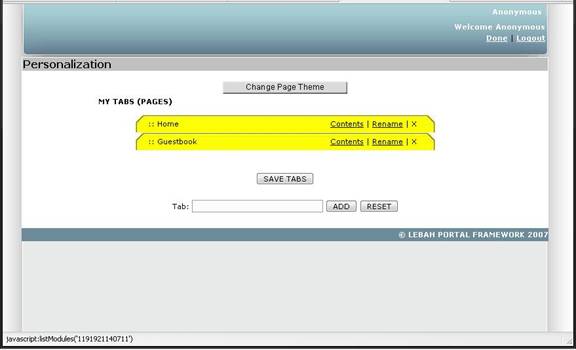
Here is the Personalization page. Click on the Contents of the Home Tab.
Here are modules exists under the Home Tab. You can see the Demo HTML Page is at the bottom. Now I want to bring it to the top.
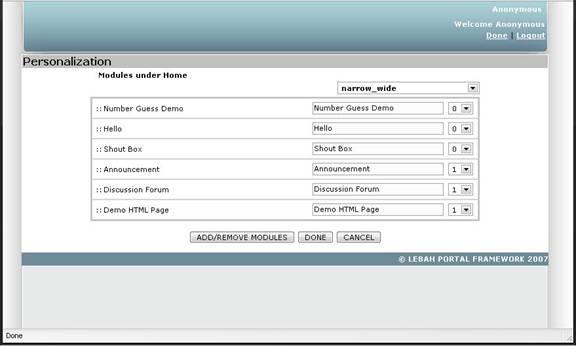
So just use the mouse, click on the Demo HTML Page, and drag it to the top.
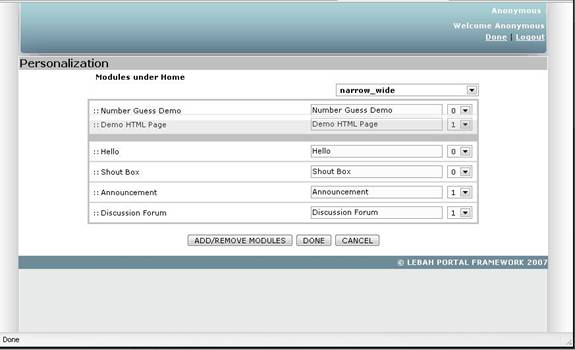
And release the mouse button. Now it is at the top.
We’re done, so click on the Logout button.
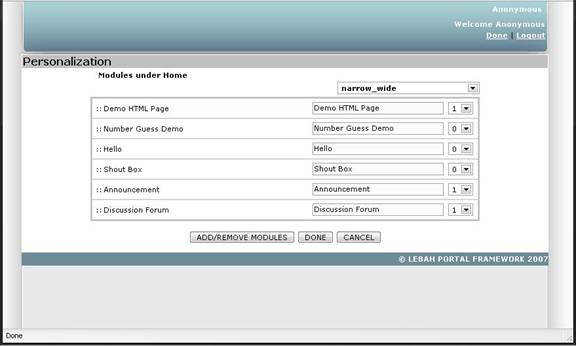
Here is the page. The HTML module is now at the top.
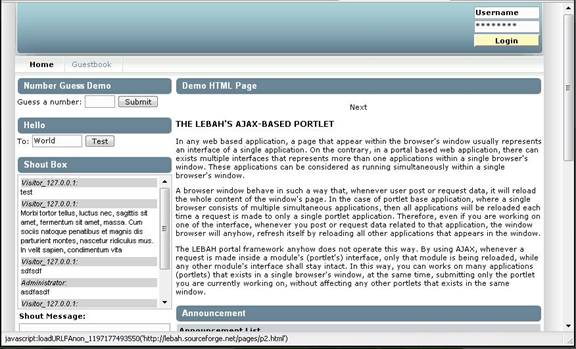
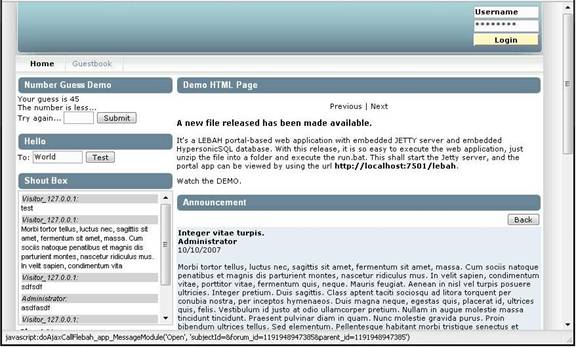
You can see there’s a Next hyperlink in the Demo HTML Page module. Let’s click on the link.
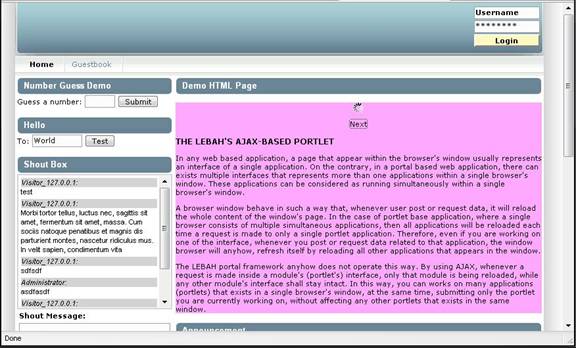
The module will request for the new html page by reloading only this portlet, without affecting any other portlets on the same page.
The next html page is displayed as below. We can click on the Previous or Next button to navigate between pages of this HTML module.